Gallery
A gallery of plots. These serve as examples, but are testing code changes by visual inspection of plots.
All should be preceded by
using Miter, Colors, Miter.Lengths
using LaTeXEscapes
to load the relevant packages.
Simple plots
Plot([Lines((x, abs2(x)) for x in -1:0.02:1; color = colorant"red"),
      Scatter(MarkSymbol(; color = colorant"darkgreen"), (x, (x + 1) / 2) for x in -1:0.1:1)];
      x_axis = Axis.Linear(; label = lx"x"m),
      y_axis = Axis.Linear(; label = lx"y"m),
      title = "line and scatter")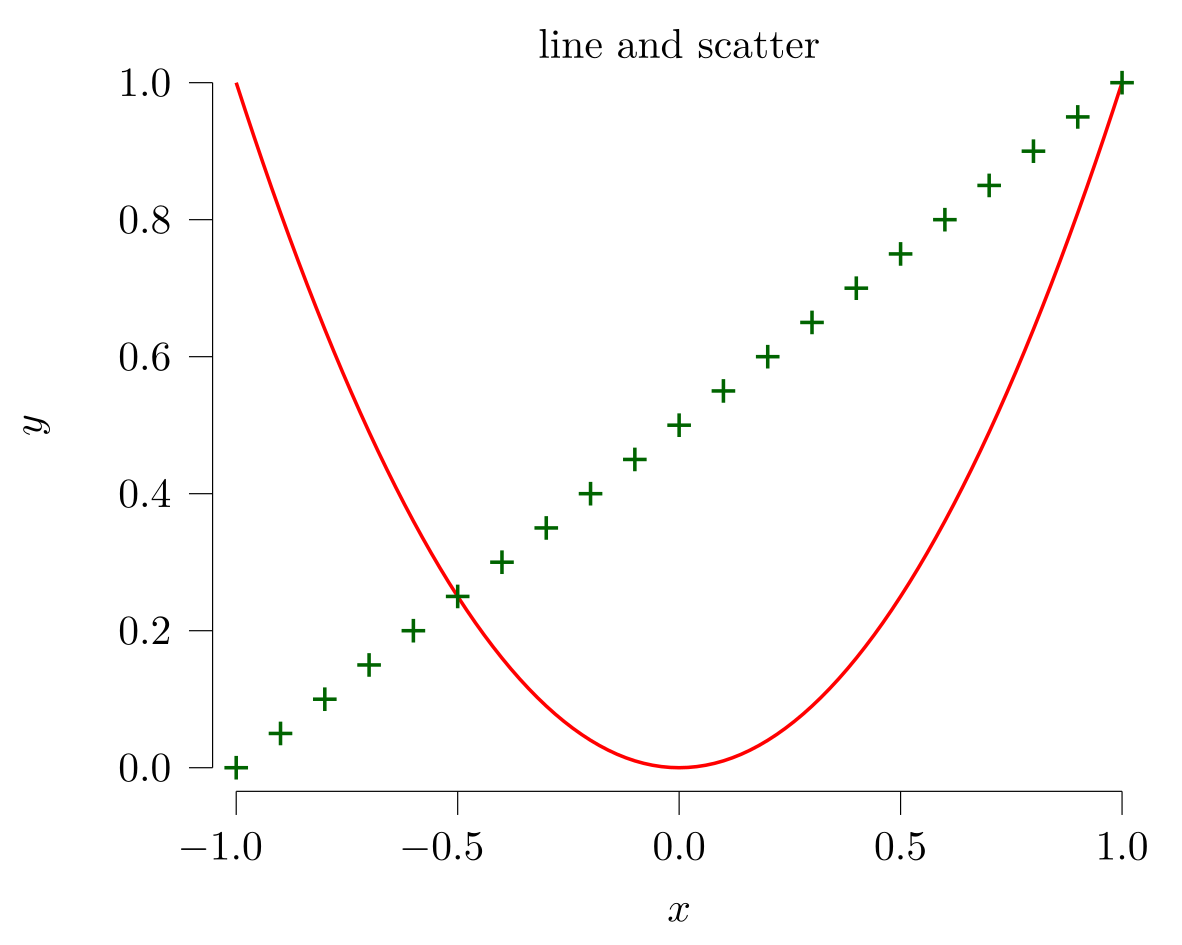
Horizontal and vertical lines, and phantom objects (rendered, but ignored for boundary calculations).
Plot(Scatter((x, sin(x) + (rand() - 0.5) / 10) for x in range(-π, π; length = 100)),
     Phantom(Hline(12.0)),      # does not show, it is outside the boundaries
     Hline(0.0), Vline(0.0))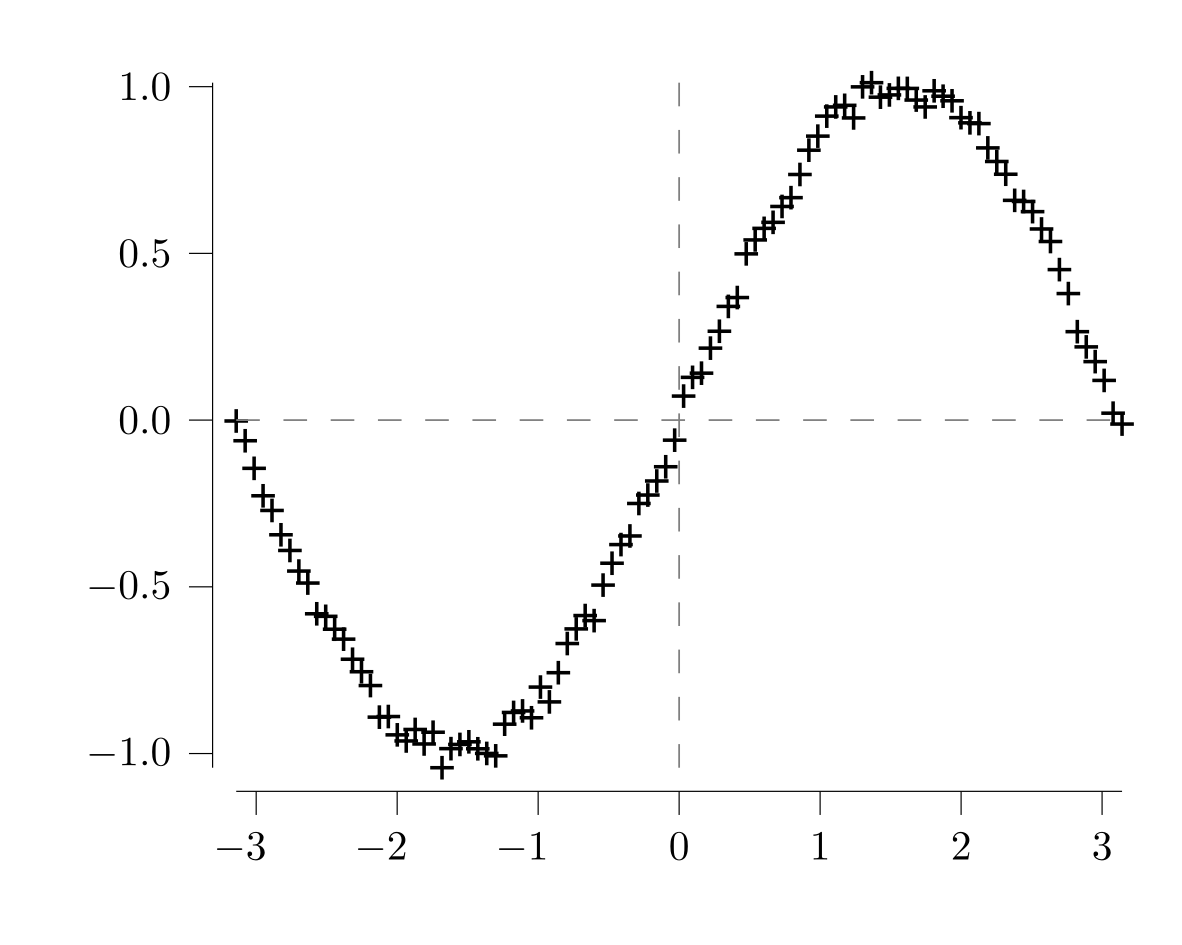
Bar plots with bars directly specified.
let c = [(0, 1, 2), (1, 2, 1), (2, 4, -0.5)]
    Tableau([Plot(RelativeBars(:vertical, c)),
             Plot(RelativeBars(:horizontal, c))])
end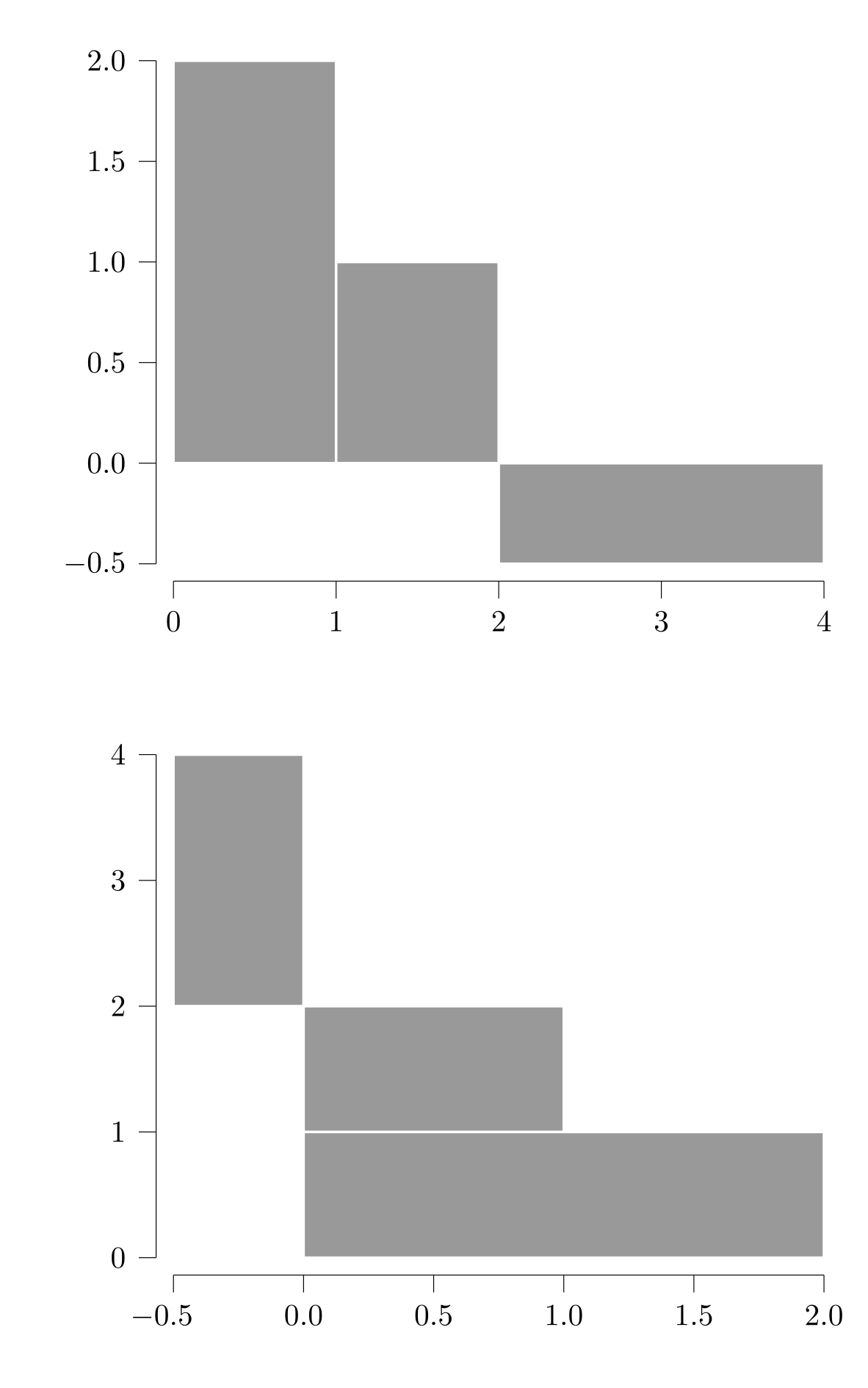
Bar plots from a histogram.
using StatsBase
Plot(RelativeBars(:vertical, fit(Histogram, randn(100))))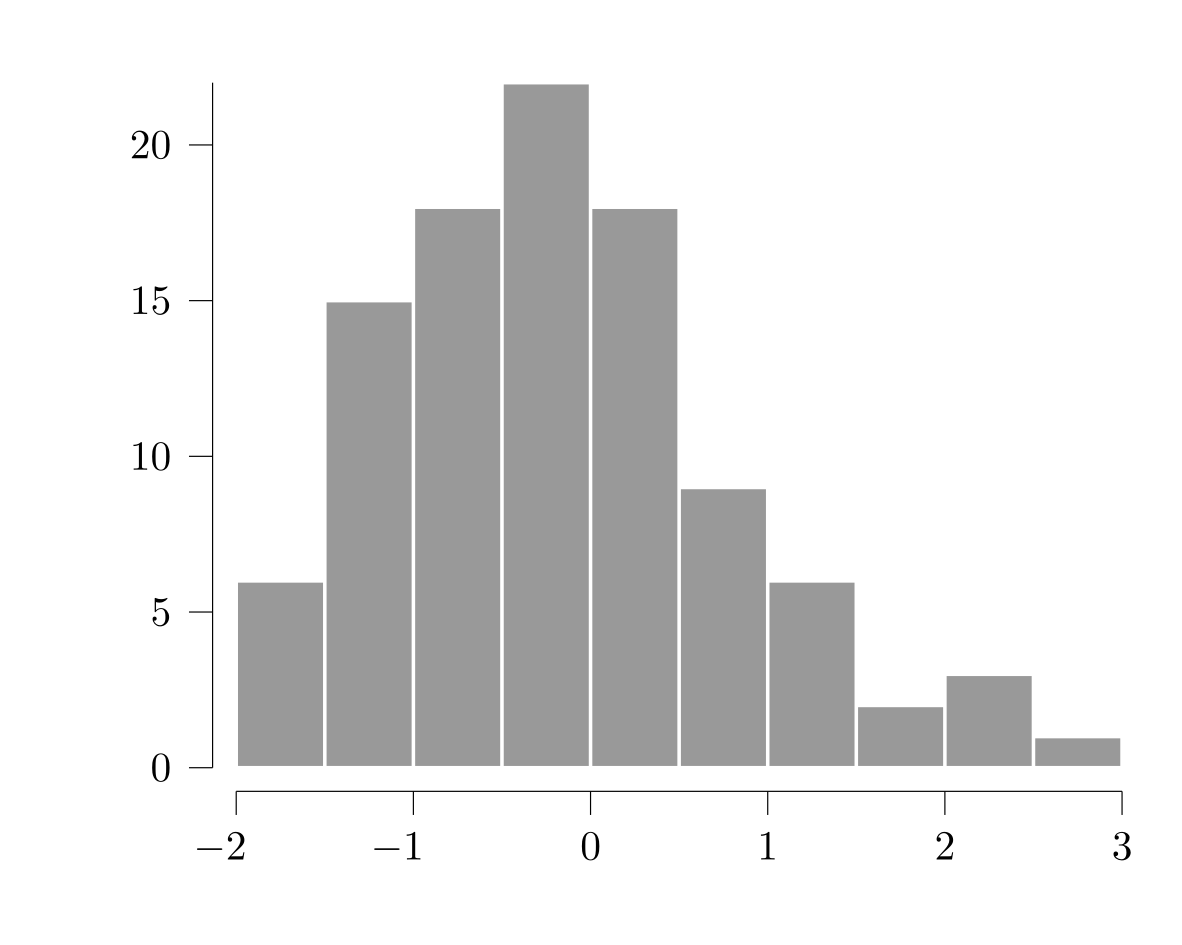
Annotations.
let c = colorant"teal",
    xy = collect((x,  0.5 * x + 0.1 * randn()) for x in range(-1, 1; length = 30))
    Plot(Scatter(MarkSymbol(; color = c), xy),
         Annotation((0, 0.3), textcolor(c, lx"random dots $y = 0.5\cdot x + N(0, 0.1)$");
                    rotate = 30))
end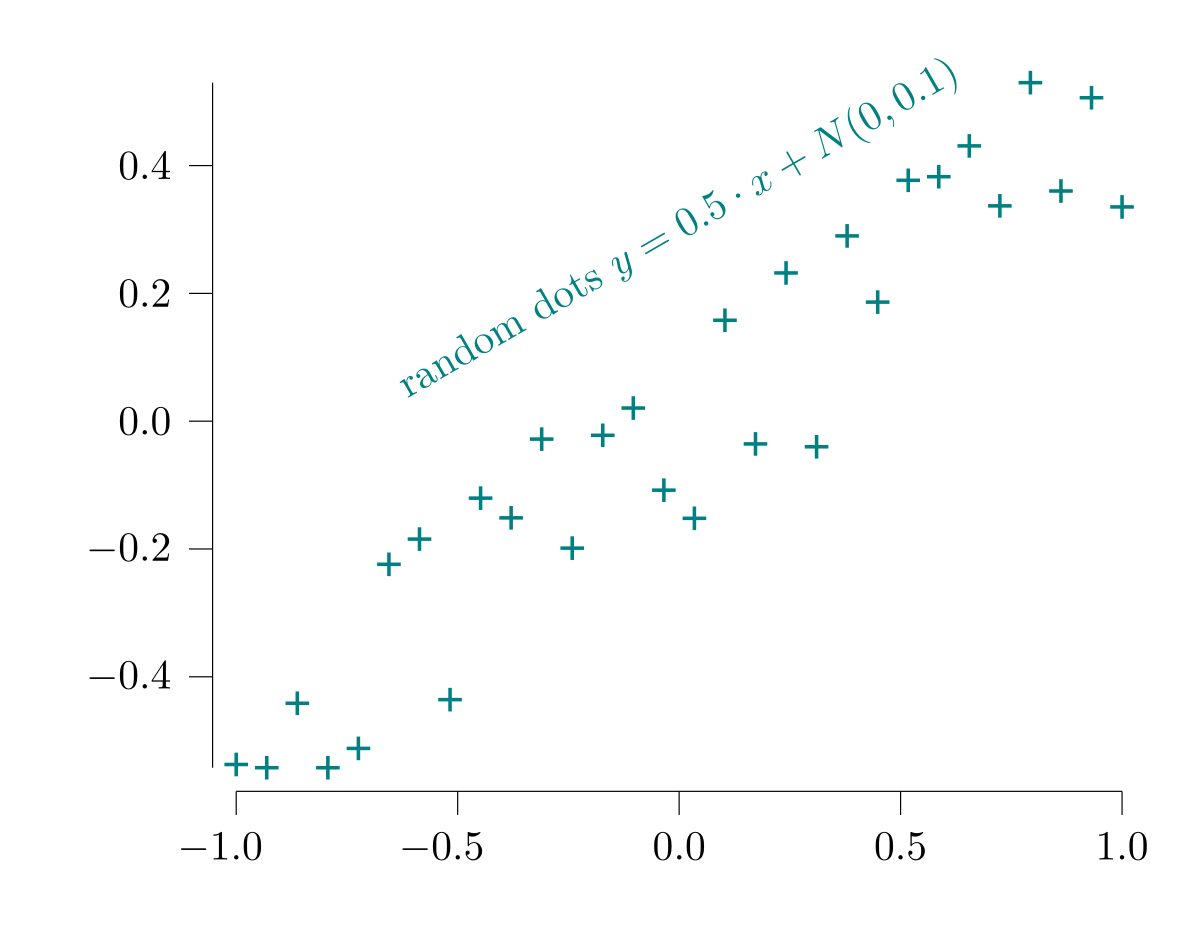
Various kinds of marks.
let x = range(0, 1; length = 21)
    Plot(Scatter(MarkSymbol(:+; color = colorant"firebrick"), (x, 0.2 * x) for x in x),
         Scatter(MarkSymbol(:*, color = colorant"olive"), (x, 0.1 + abs2(x)) for x in x),
         Scatter(MarkSymbol(:o; color = colorant"teal"), (x, -x + abs2(x) - 0.1) for x in x))
end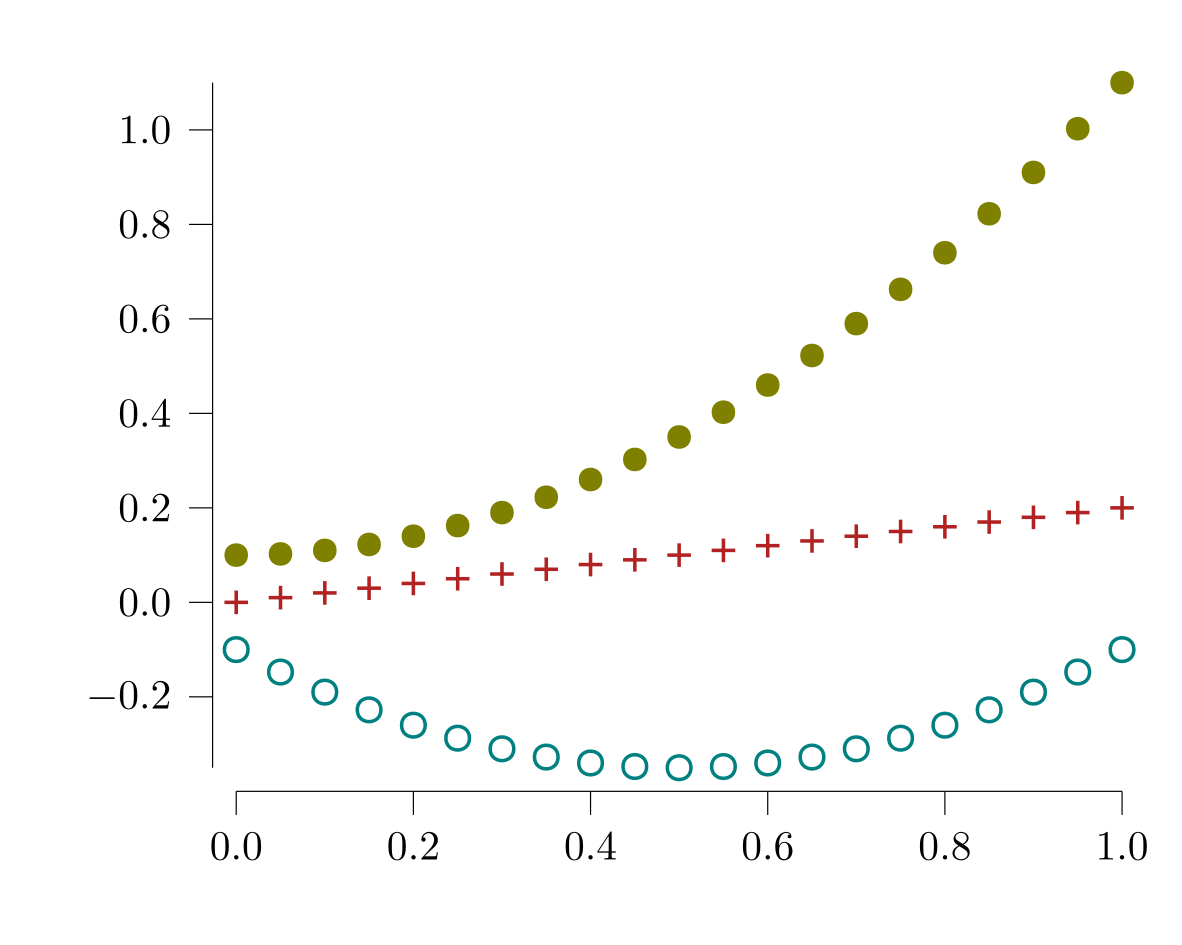
Guidelines, adding plot elements (with push! & friends).
let plot = Plot(Scatter(MarkSymbol(:o; color = colorant"chocolate4"),
                        (sin(α), cos(α)) for α in range(-π, π, length = 61)))
    for θ in 0:30:150
        pushfirst!(plot.contents, LineThrough((0, 0), tand(θ)))
    end
    plot
end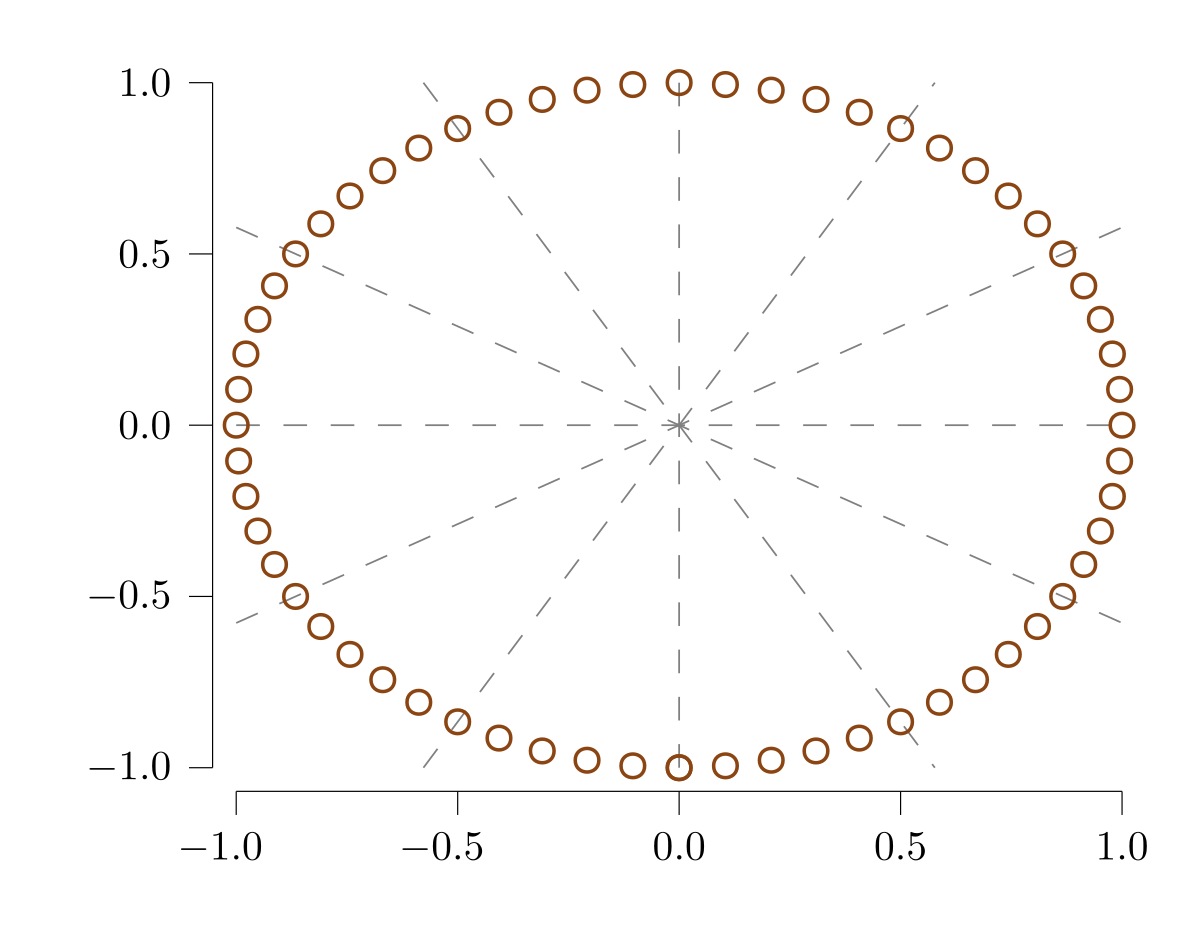
Grids.
Plot(Hgrid(), Vgrid(), # specified first; renders first
     Scatter((x, expm1(x) + randn() / 10)
             for x in range(0, 1; length = 100)))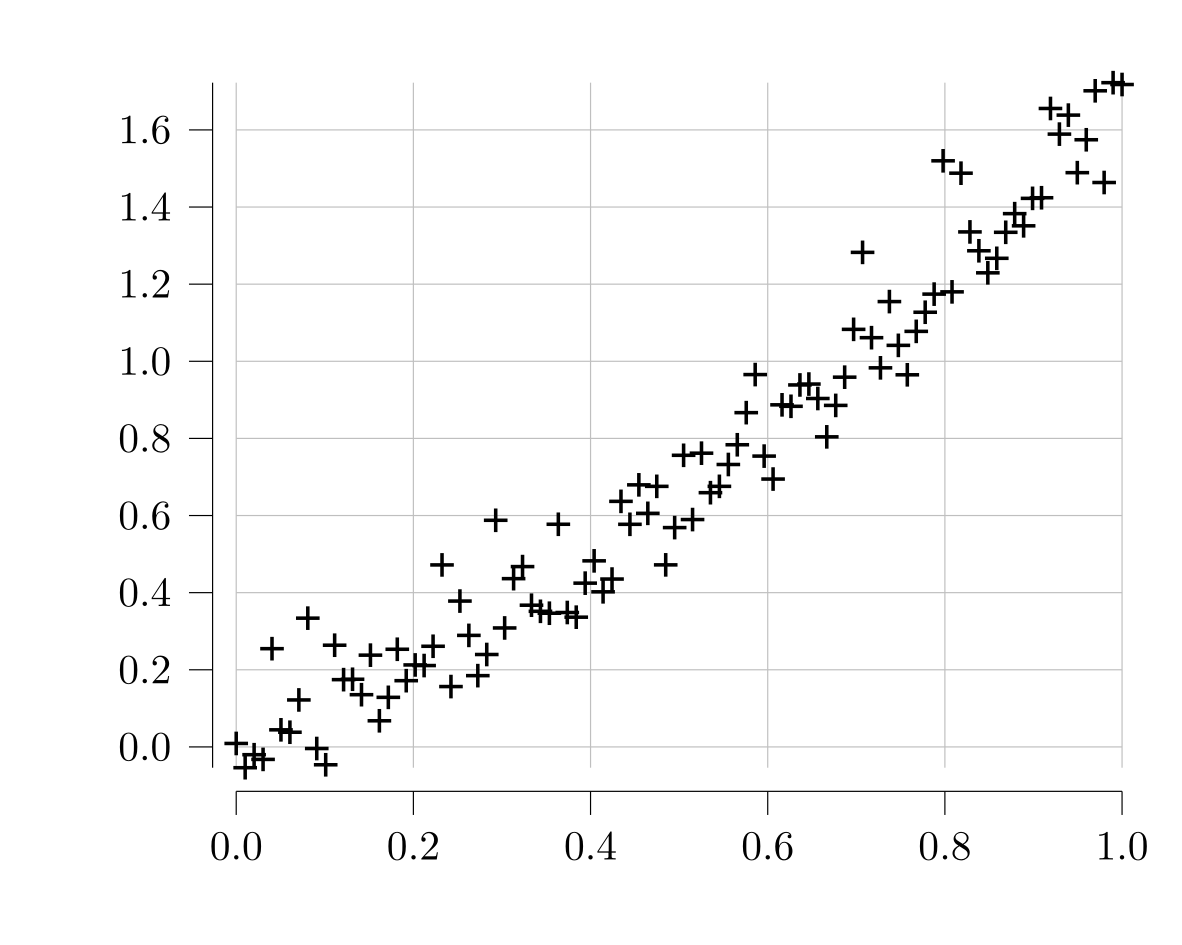
Sync x and y bounds in a tableau.
using Accessors # for @modify

function wobbler(x, y, r, rotate)
    Plot(Lines([sincos(θ) .* (r * (sin(θ  * 3 + rotate)/4 + 1))
                for θ in range(0, 2*π; length = 200)]))
end

m = Tableau(balanced_matrix([wobbler(0, 0, 2, 0),
                                wobbler(1, 0, 1, π/2),
                                wobbler(-1, 0, 3, -π/2),
                                wobbler(1, 3, 1, π)]));
@modify(sync_bounds(:xy), m.contents) # sync columns and rows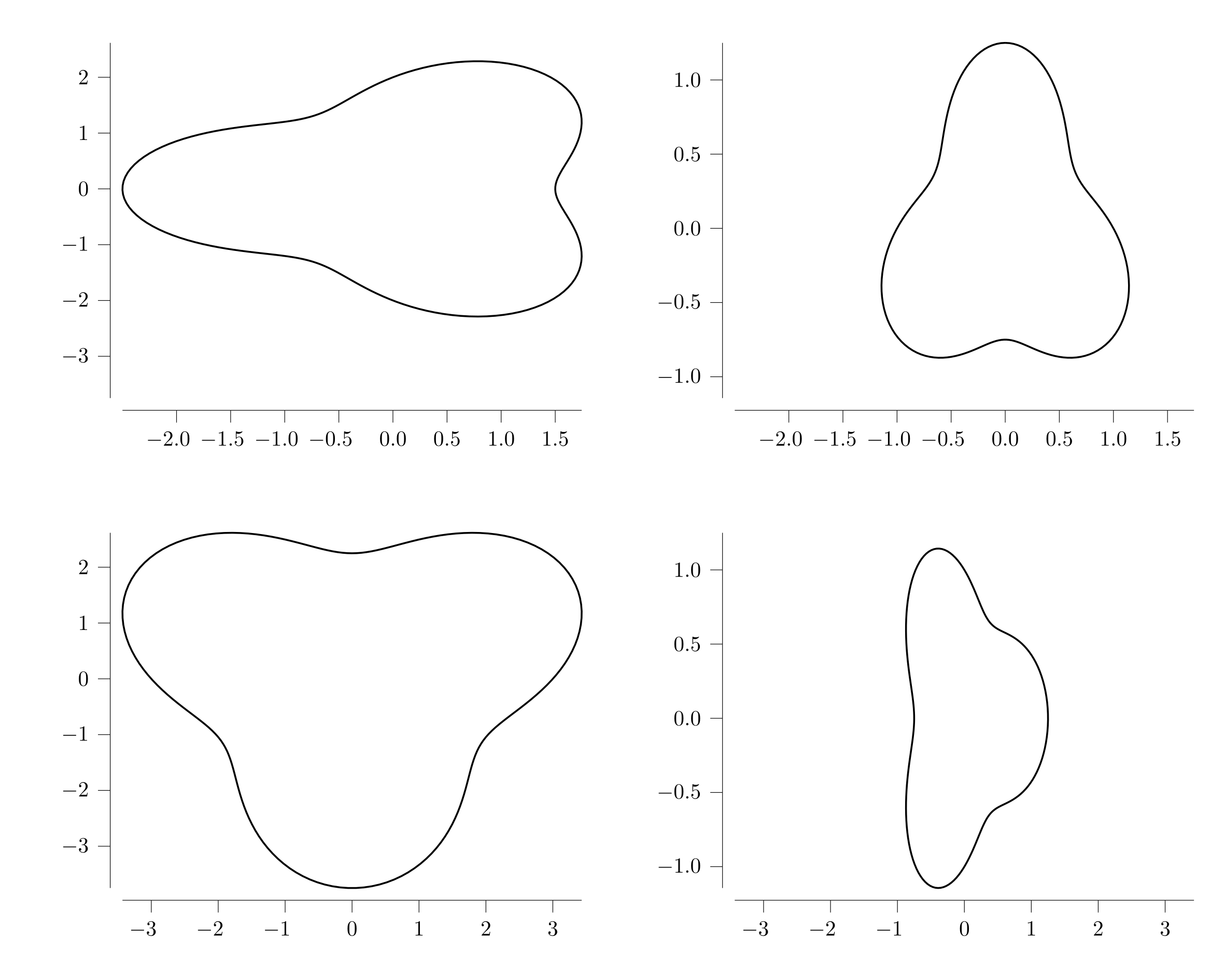
Add bounds to extend the y axis.
Plot([Lines((x, x^2) for x in range(0, 1; length = 20)),
      JustBounds(nothing, Interval(-1, 1))])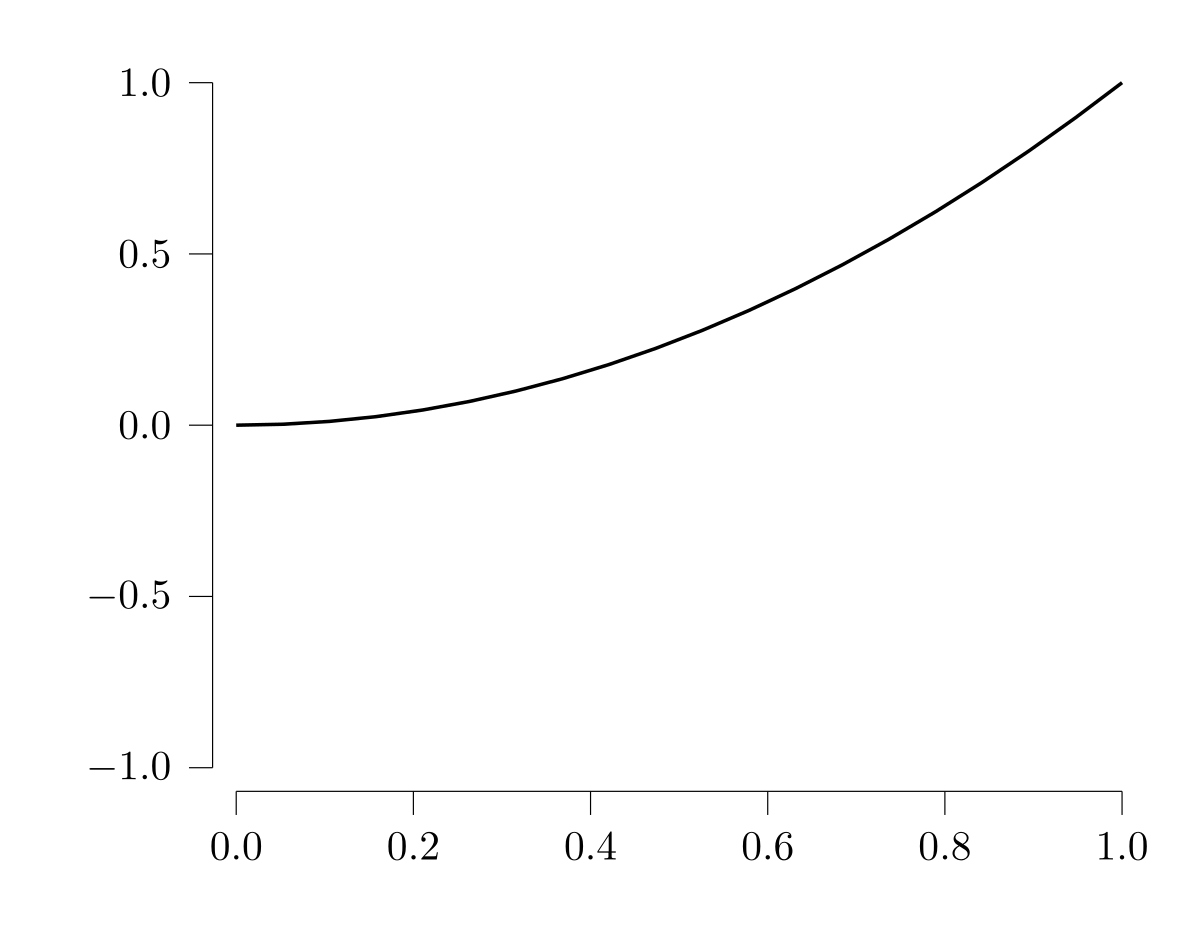
Q5 (five quantiles) plots.
Plot(Scatter(MarkQ5(),
             (x, Q5(randn(10) ./ 4 .+ (x / 3)))
             for x in range(0, 5; length = 8)),
     Scatter(MarkQ5(; color = colorant"deepskyblue1"),
             (Q5(randn(10) ./ 4 .+ (abs2(y) / 5)), y)
             for y in range(0, 5; length = 8)))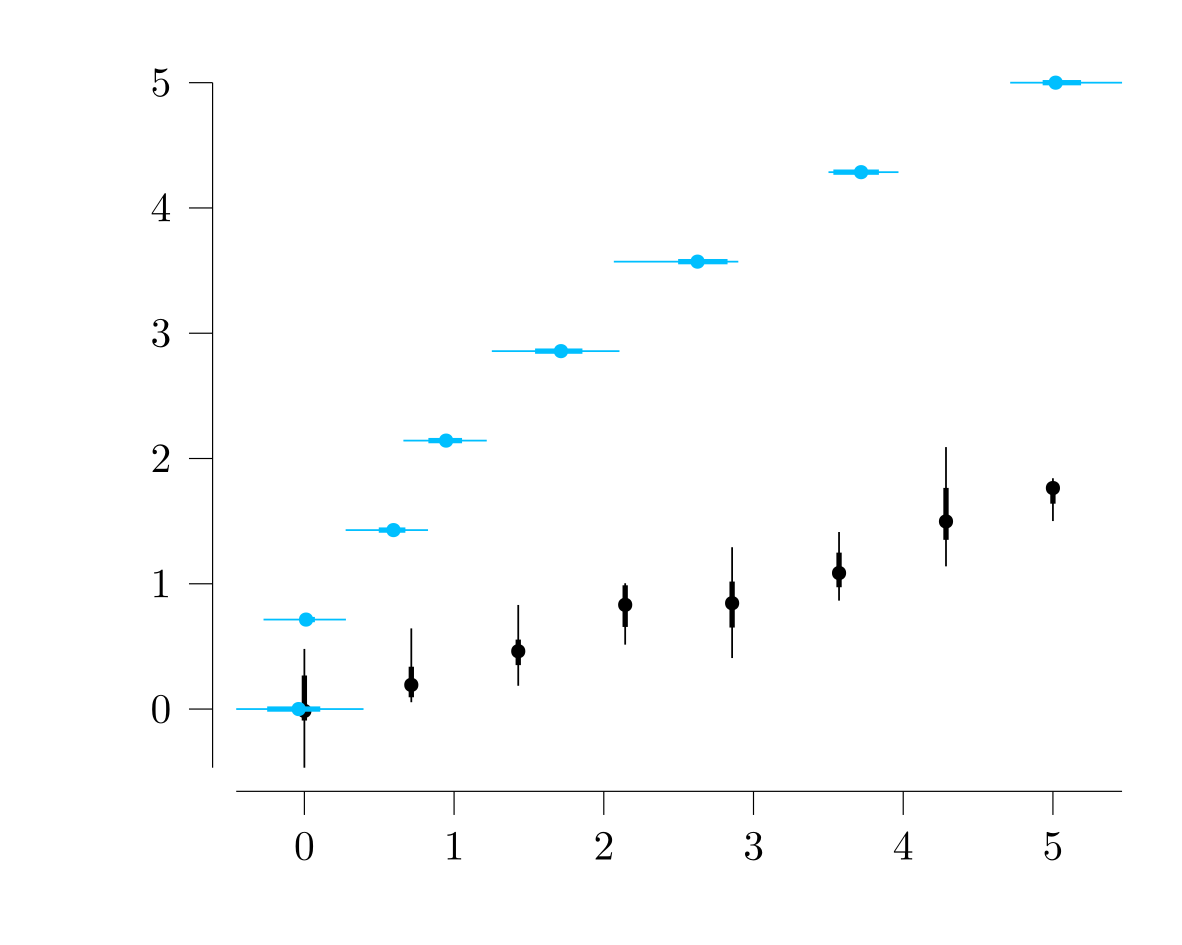
Circles.
x_y_w = [(x, y, 6 - hypot(x, y)) for x in -5:5 for y in -5:5 if hypot(x, y) ≤ 5]
# make the largest point have 3mm radius
Plot(Circles(x_y_w, 3mm / √maximum(last, x_y_w)))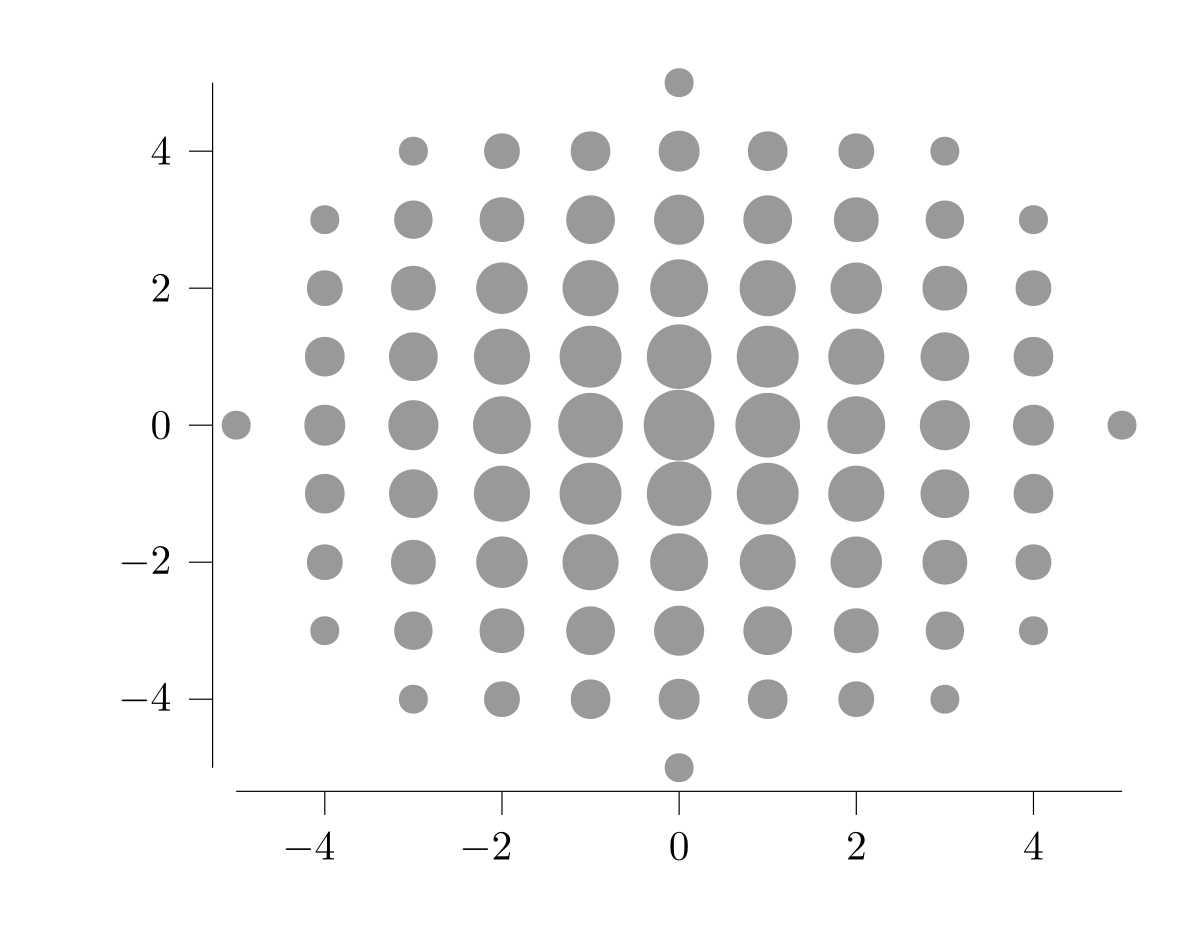
Color matrix (a building block for heatmaps etc).
Plot(ColorMatrix([0, 1, 3], [2, 4, 5],
                 [nothing colorant"green";
                  colorant"blue" colorant"red"]))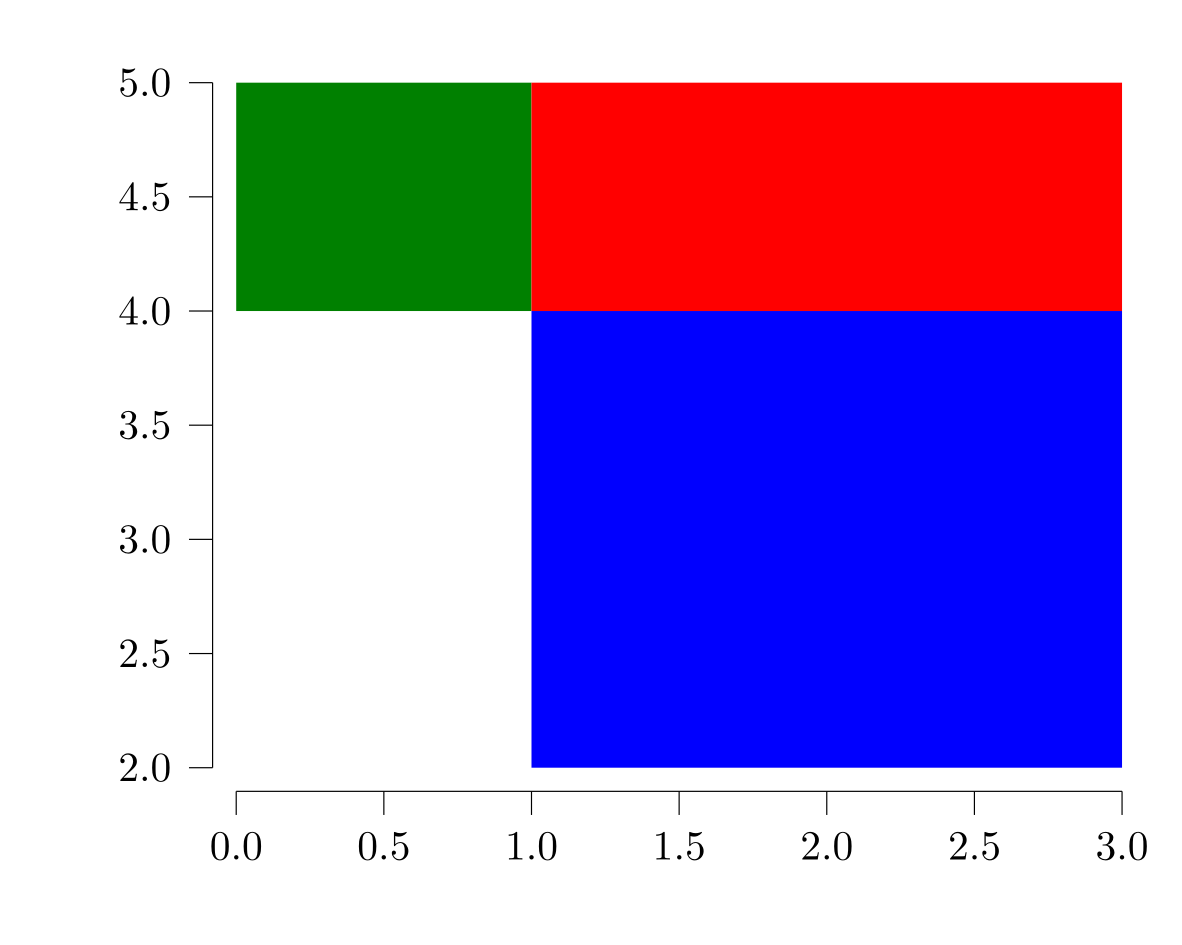
Color matrix built from a histogram.
using StatsBase, ColorSchemes
h = fit(Histogram, (randn(1000), randn(1000)); nbins = (15, 17))
Plot(hpd_heatmap(h, range(0.2, 0.8; step = 0.2), ColorSchemes.OrRd_5))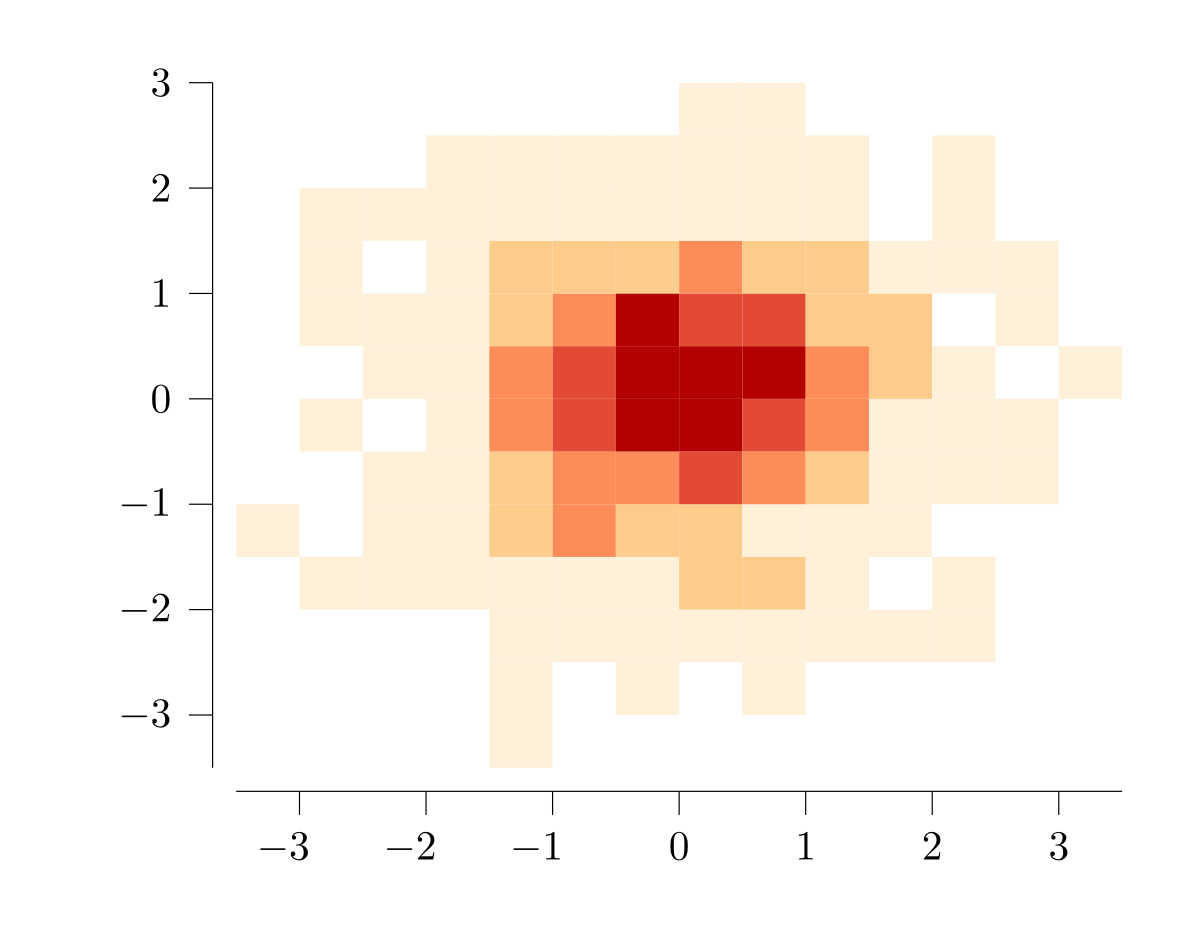
Tableaus
Tableau(balanced_matrix(
        [Plot(Lines([(x, exp(-0.5 * abs2(x)) / √(2π))
                     for x in range(-2, 2; length = 101)]);
              y_axis = Axis.Linear(; label = "pdf of normal distribution")),
         Plot(Lines([(x, exp(-abs(x)) / 2)
                     for x in range(-2, 2; length = 101)]);
              y_axis = Axis.Linear(; label = "pdf of Laplace distribution")),
         Plot(Lines([(x, exp(-x))
                     for x in range(0.1, 2; length = 50)]);
              y_axis = Axis.Linear(; label = "pdf of exponential distribution"))]))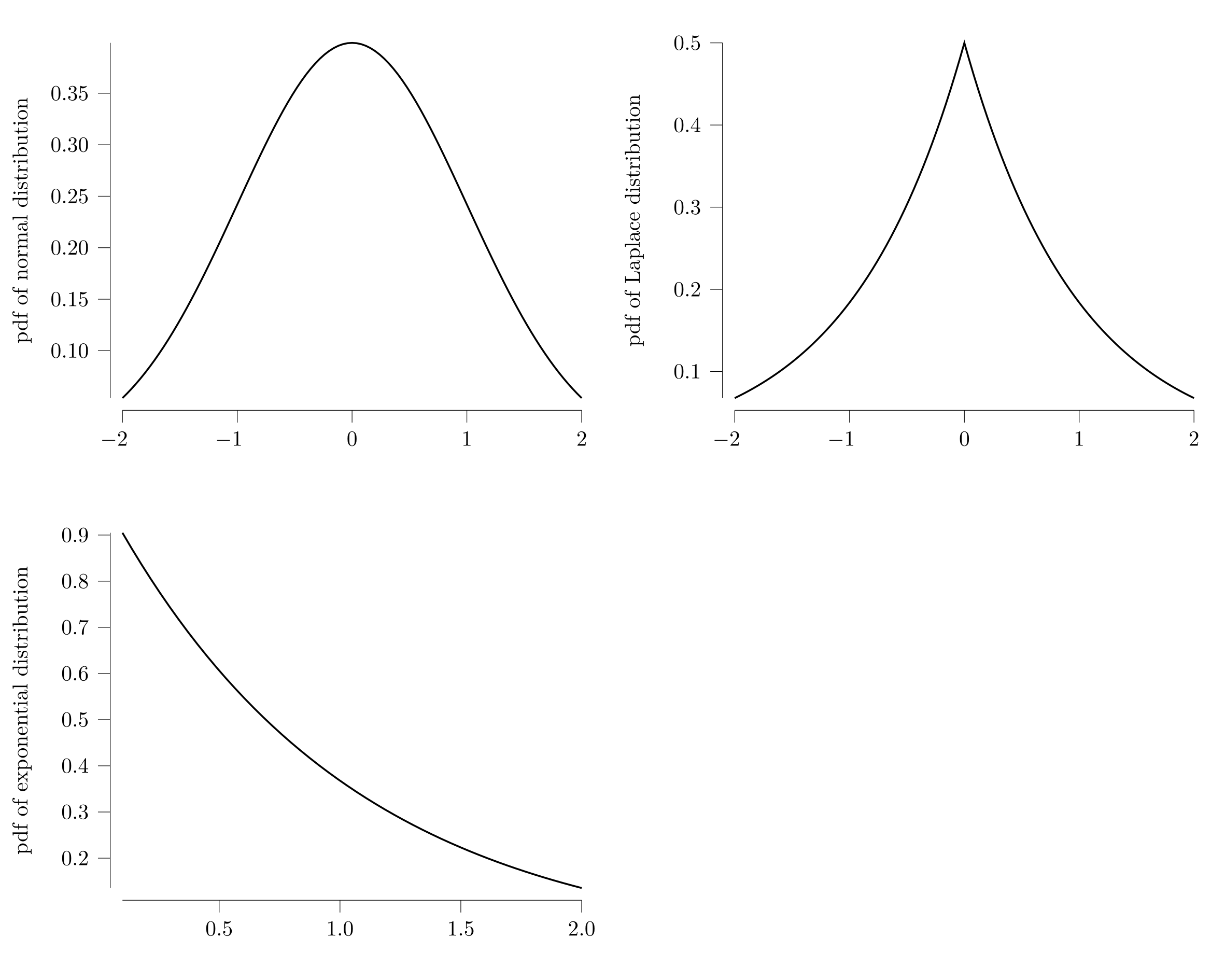
Visual debugging
Canvas(Tableau([Miter.dummy("$(x), $(y)") for x in 1:3, y in 1:4]),
       width = 100mm, height = 100mm)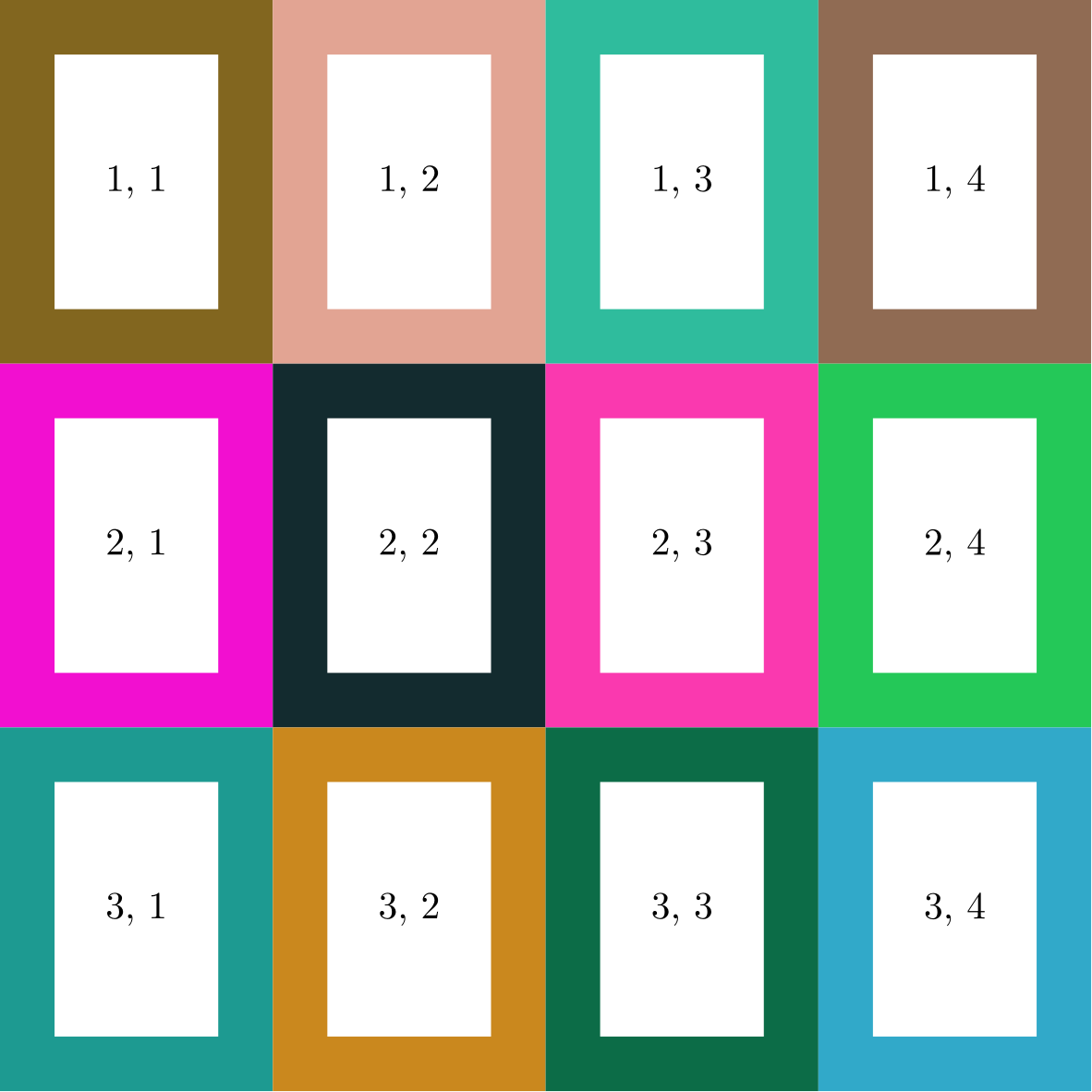
Contour plots
The package Contour.jl is easy to interface with directly.
using Contour, Miter
x = range(-1, 1; length = 100)
z = [(θ = atan(y, x); (0.6 * abs(θ)^0.5) / (0.2 * x^2 + y^2)^(1/3)) for x in x, y in x]
c = contours(x, x, z)
Plot(mapreduce(l -> [Lines(vertices(l)) for l in lines(l)], vcat, levels(c)))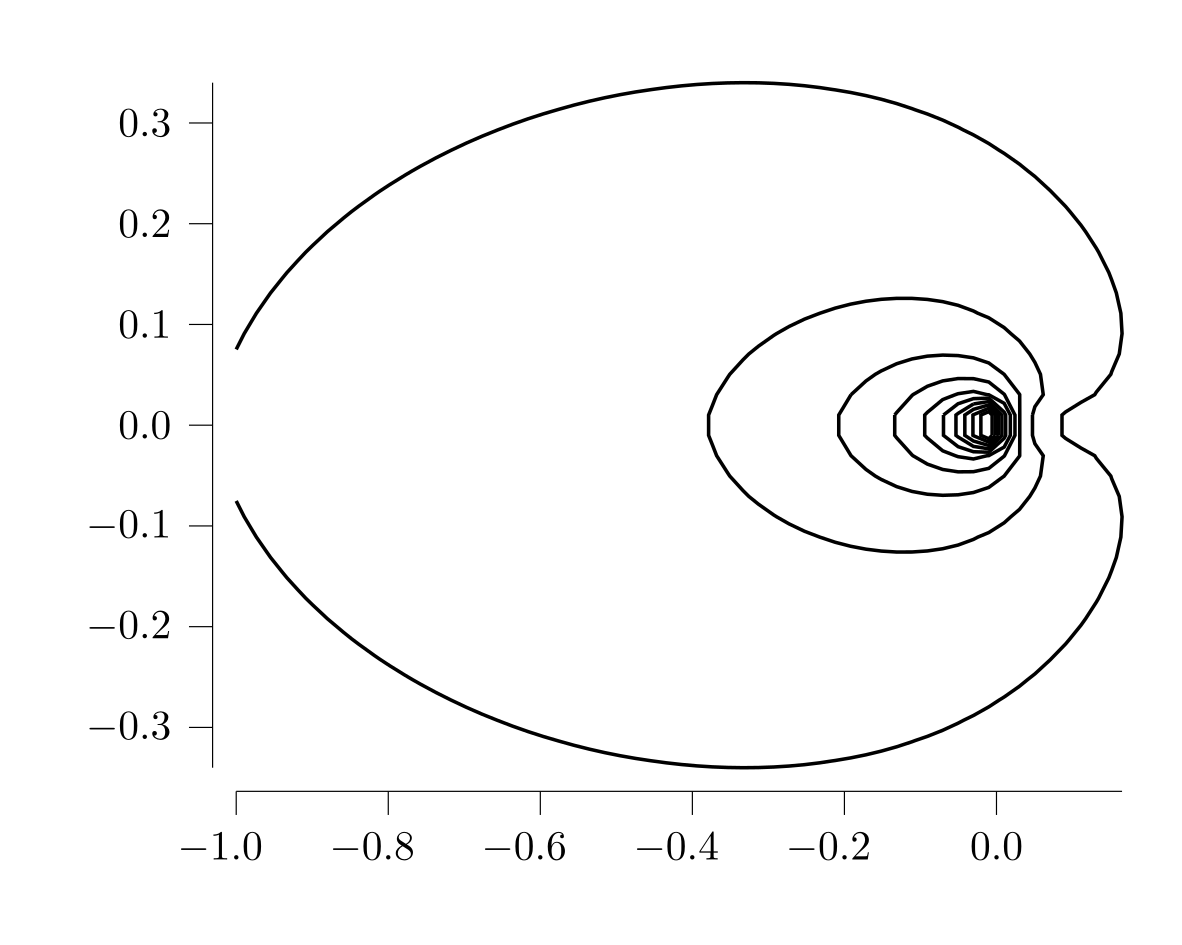
Corner cases
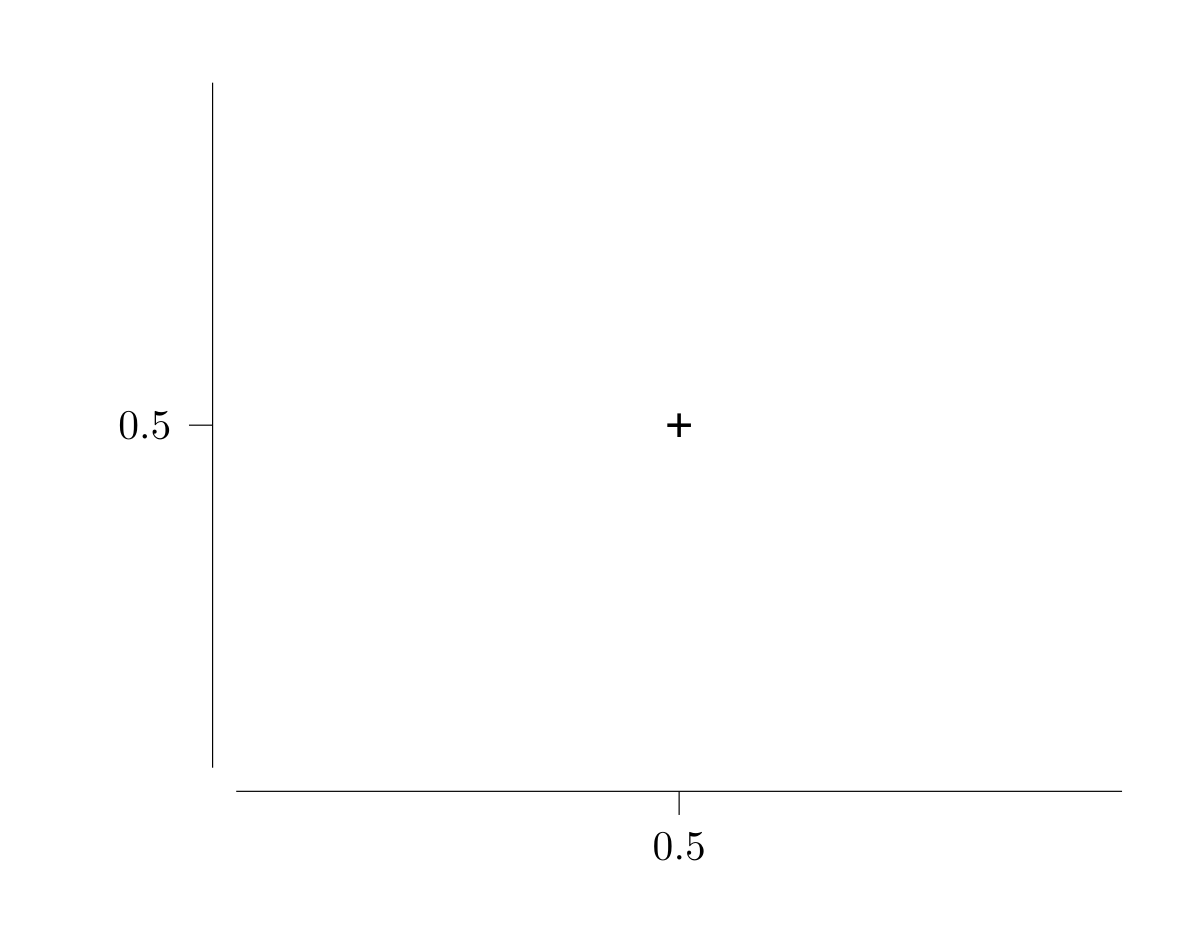
Handle collapsing axes gracefully
Plot(Scatter([(0.49999,0.49999)]))